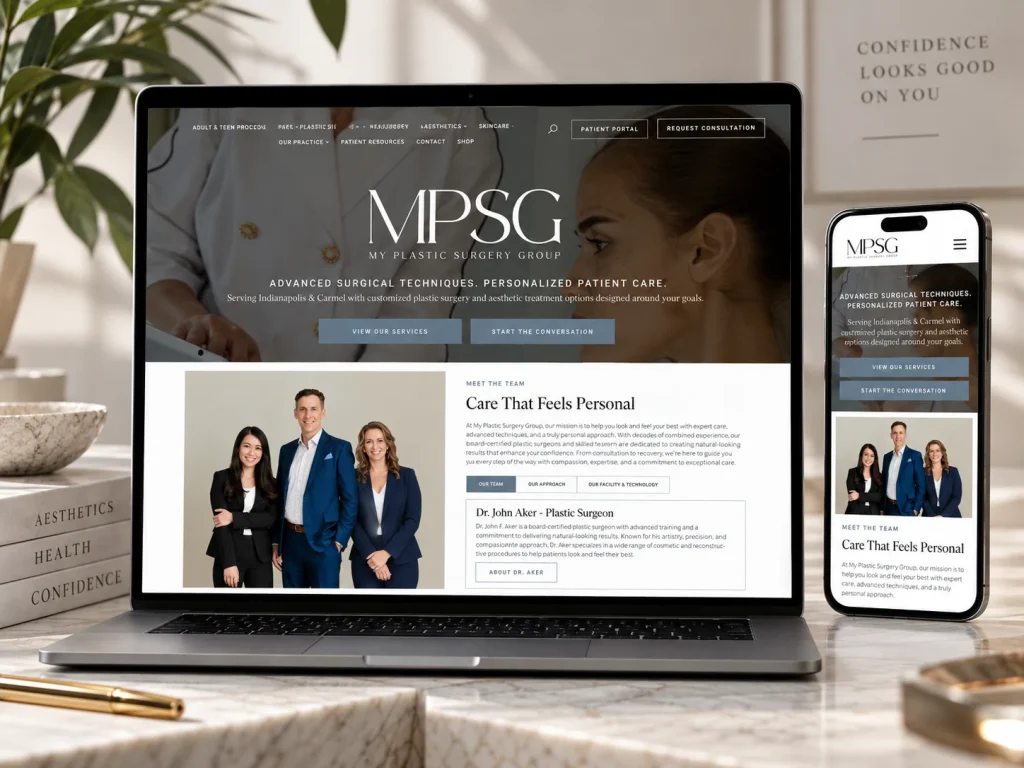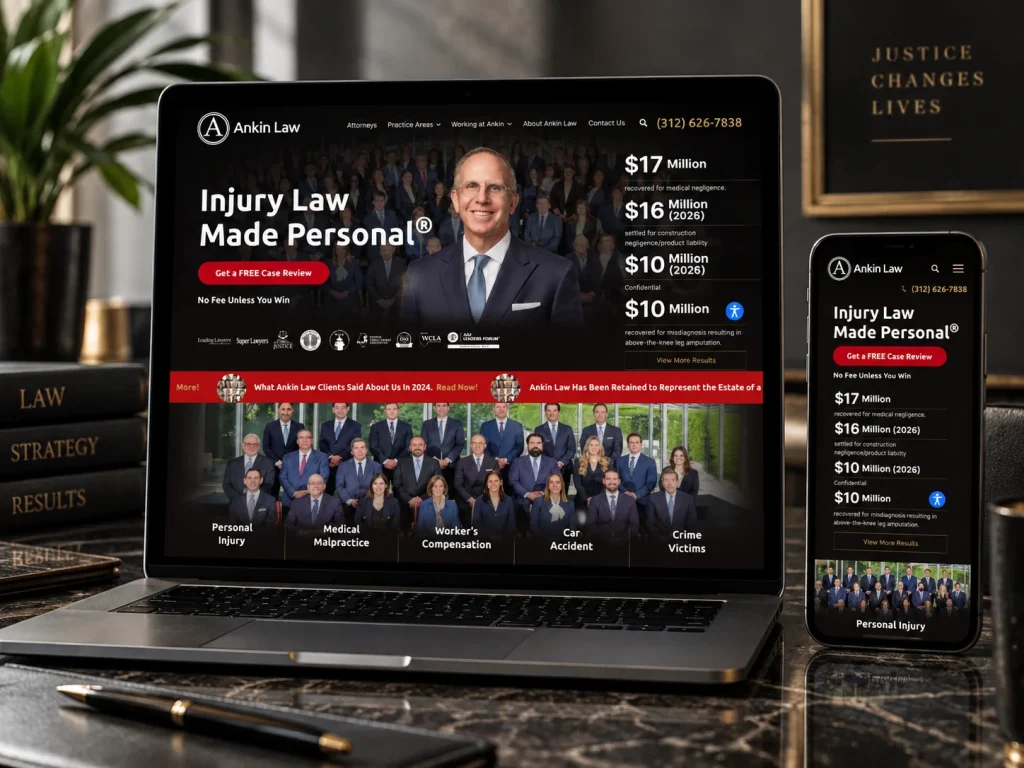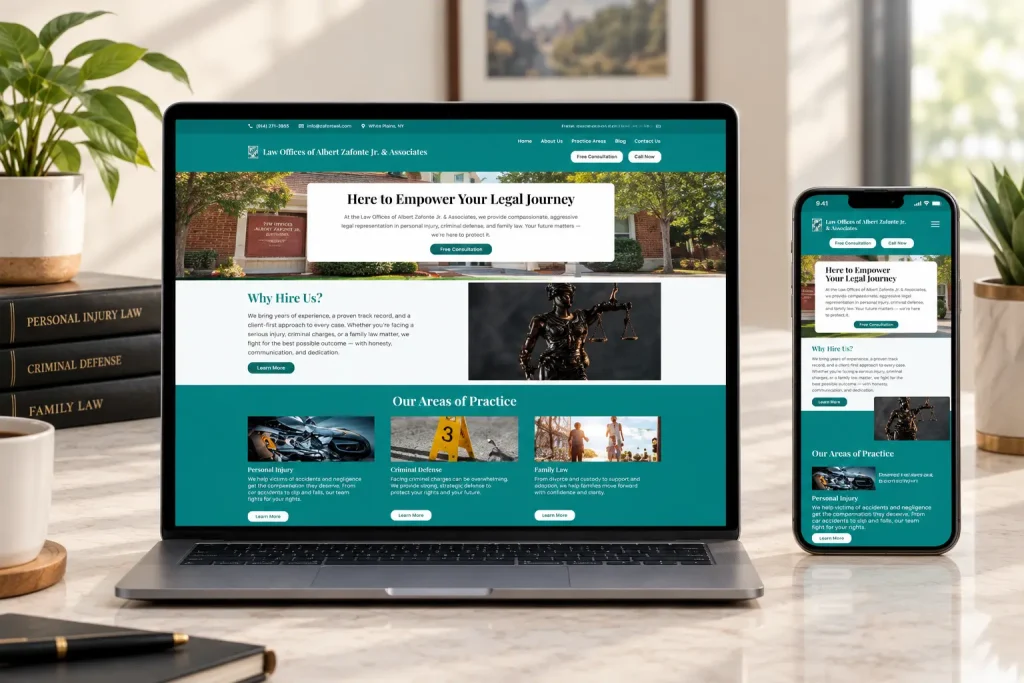







For most people, hiring a lawyer starts with a search. They may have a referral from a friend, but they will still look you up before they call. Your website is often the first real impression of your firm.
That makes law firm website design different from most small business websites. You are not only trying to look credible and win enquiries. You also have to follow professional conduct rules about how lawyers describe their services. This guide covers both: what a law firm website should include, and the ethics points to keep in mind while you build it.
A quick note before we start: we build websites, we do not give legal or ethics advice. The rules differ by state, so always check your own state bar’s rules before you publish.
What Visitors Want From a Law Firm Website
People looking for a lawyer are often stressed. They may be dealing with an injury, a divorce, a business dispute or a criminal charge. They are not browsing for fun. They want answers to a few simple questions, fast:
- Does this firm handle my kind of problem?
- Does it work where I live?
- Can I trust these people?
- What happens if I get in touch?
A good law firm website answers all four within a few seconds of landing on the page. Everything else is supporting detail.
The Pages Every Law Firm Website Needs
A clear homepage
Say what you do, who you help and where, in plain words near the top of the page. “We help injured workers in Ohio get the compensation they are owed” tells a visitor far more than a generic line about justice or excellence. Add one clear next step, such as a phone number or a link to request a consultation.
A separate page for each practice area
If you handle family law, estate planning and business disputes, give each one its own page. This helps visitors find what applies to them, and it helps search engines understand what you do. Each page should explain the kinds of matters you take on, how the process usually works and what a first conversation looks like.
Attorney profile pages
People hire people. Each attorney page should include a real, current photo, admissions, education, the practice areas they focus on and a short, human introduction. Keep it factual. Visitors notice when a bio reads like an advert.
A contact page that sets expectations
List your phone number, office address, hours and a simple enquiry form. Tell people what happens next: who will respond and roughly when. A visitor who knows what to expect is more likely to reach out.
Helpful content
Plain-English articles that answer common questions show your knowledge without making claims. They also give people something useful to read while they decide. This is general information, so label it that way and avoid anything that reads like advice for a specific situation.
The Ethics Rules That Shape Your Website
Lawyer advertising rules apply to your website just as they apply to print or TV. Most states base their rules on the American Bar Association’s Model Rules of Professional Conduct, though many have their own versions and extra requirements. Here are the main points to understand.
No false or misleading statements
ABA Model Rule 7.1 says a lawyer must not make false or misleading communications about the lawyer or the lawyer’s services. That includes statements that are technically true but leave a misleading impression.
In practice, this affects common website copy. Words like “specialist” or “expert” can be restricted in some states unless the lawyer holds a recognized certification. Showing past results or client testimonials may require disclaimers, or may be limited, depending on the state. Your state bar is the place to check.
Be careful with contact forms
This is the one many firms overlook. In Formal Opinion 10-457 (2010), the ABA looked at lawyer websites and noted that inviting visitors to submit details about their legal matter can create duties toward them as prospective clients, under Model Rule 1.18. That can include keeping what they share confidential, and it can even create conflicts of interest.
A clear notice near your contact form helps. It should explain that sending a message does not create an attorney-client relationship, and ask visitors not to share confidential details until the firm has confirmed it can help. Your form can also limit what it asks for, such as name, contact details and a short description of the type of matter.
Know your state’s extra rules
Some states have specific requirements for lawyer advertising, such as labels, filing requirements or rules about the name of the responsible lawyer. California, for example, publishes its own Chapter 7 rules on information about legal services. Check your own state bar’s rules and any ethics opinions before you launch, and again whenever you add new marketing pages.
Accessibility Matters for Law Firms Too
Your website should work for everyone, including people who use screen readers, keyboard navigation or larger text. The US Department of Justice has published guidance on web accessibility and the ADA that explains why businesses open to the public should make their websites accessible.
For a law firm, this is about more than avoiding risk. People with disabilities need legal help too, and a site they cannot use sends them somewhere else. Practical steps include clear headings, good color contrast, descriptive link text, alt text on images and forms that work without a mouse.
Speed, Mobile and Search Basics
Many visitors will find you on a phone, often in a stressful moment. Your site should load quickly and make it easy to call with one tap. Google’s free PageSpeed Insights tool shows how your pages perform on mobile.
For local search, make sure your firm name, address and phone number are the same on your website and on your Google Business Profile. Give each practice area page a clear title and a heading that matches what people search for, such as “estate planning lawyer in Denver.”
Law Firm Website Checklist
| Area | What to check |
|---|---|
| Homepage | Says who you help, with what, and where, above the fold |
| Practice areas | One page per area, with process and next steps explained |
| Attorney profiles | Current photo, admissions, focus areas, factual bio |
| Contact | Phone, address, hours, and what happens after someone gets in touch |
| Contact form notice | Explains no attorney-client relationship is created, asks visitors not to send confidential details |
| Claims and wording | Reviewed against your state’s advertising rules |
| Results and testimonials | Disclaimers added where your state requires them |
| Accessibility | Headings, contrast, alt text, keyboard-friendly forms |
| Mobile | Fast loading, tap-to-call, readable without zooming |
| Local search | Name, address and phone match your Google Business Profile |
| Upkeep | Attorney list, bios and content reviewed at least twice a year |
Which Platform Suits a Law Firm?
Most small and mid-size firms do well on WordPress, Webflow or Squarespace. WordPress offers the most flexibility for content and integrations. Webflow suits firms that want a polished design with fewer moving parts. Squarespace can work for a solo practice that needs a simple, tidy site. The right choice depends on how much content you plan to publish, who will update the site and what needs to connect to it.
Frequently Asked Questions
In general, yes. Lawyer advertising rules, based in most states on ABA Model Rules 7.1 to 7.3, apply to websites. The exact requirements depend on your state, so check with your state bar.
Most firms include one, especially near contact forms. A typical notice explains that the site offers general information, not legal advice, and that contacting the firm does not create an attorney-client relationship. Your state may require specific wording.
Review it at least twice a year, and any time an attorney joins or leaves, a practice area changes or your state updates its advertising rules. Outdated bios and broken forms quietly cost enquiries.
Build a Website Your Firm Can Rely On
A law firm website should do two things well: help worried people find the right lawyer, and do it in a way your firm is comfortable standing behind. If you are planning a new site or a redesign, we would be glad to talk it through. At Dabster Softech, we build and look after websites for professional firms on WordPress, Webflow, Squarespace and custom code, and we stay involved after launch so your site keeps up with your practice. Get in touch and tell us what your firm needs.